
Should I upgrade my Mac if I have a….
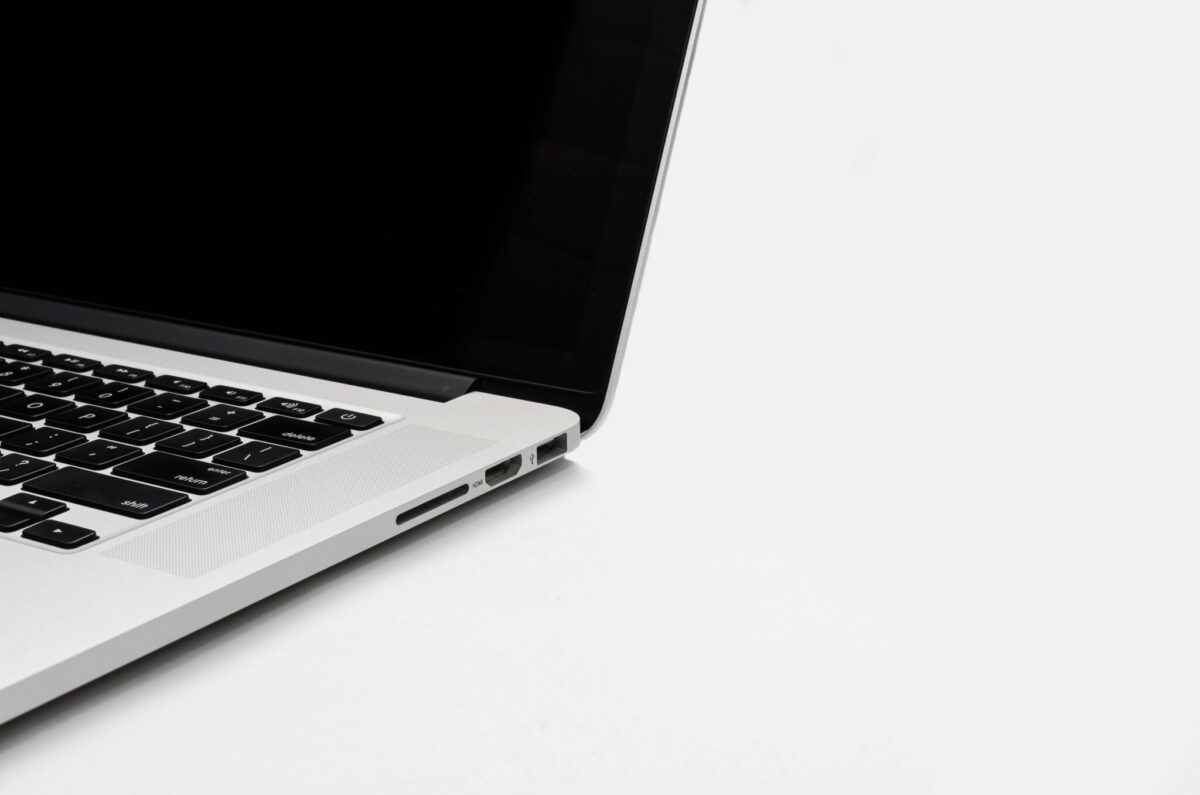
Macbook Intel 15″
An across the board answer is… you probably do not need to upgrade, unless your Mac isn’t doing what you need to do anymore. (But you might be looking for an excuse to get a shiny new toy.)
But if a faster Mac is going to save you a lot of time (=money) and frustration, then yes you should/could upgrade.
For example. the newer and mid-high end Apple Silicon Macs have hardware video encoders that will save hours of rendering time. Remember it’s not always about CPU/GPU power, there’s also weight, battery life, screen size, etc. We recommend you take a few minutes to jot down your priorities before pulling the trigger.
Let’s take it on a case by case basis below.
If you’re on an Intel Mac…
Probably, yes. If you’re on an Intel MacBook Pro and the noise of the fans are driving you nuts and the heat is roasting your lap, then almost any new/used Apple Silicon MacBook will be a lot faster. And you’ll actually be able to use your laptop as a laptop with almost all day battery life.
Normalized Combined Geekbench Scores* Across SOC/CPU Generations (inc. Intel)
+25% faster
than prev. gen.
+13% faster
than prev. gen.
+45% faster
than prev. gen.
+26% faster
than prev. gen.
+22% faster
than prev. gen.
View benchmark table
Server-rendered benchmark rows derived from this shortcode instance for visitors and search engines.
| Family | Variant | Normalized Combined Geekbench Scores |
|---|---|---|
| Intel | Core i7 | 9,879 |
| Intel | Core i9 | 12,935 |
| M1 | Base | 15,271 |
| M1 | Pro | 24,290 |
| M1 | Max | 30,453 |
| M1 | Ultra | 42,741 |
| M2 | Base | 19,137 |
| M2 | Pro | 29,257 |
| M2 | Max | 36,593 |
| M2 | Ultra | 55,078 |
| M3 | Base | 21,625 |
| M3 | Pro | 28,513 |
| M3 | Max | 39,229 |
| M3 | Ultra | 60,296 |
| M4 | Base | 25,689 |
| M4 | Pro | 38,536 |
| M4 | Max | 56,834 |
| M5 | Base | 31,012 |
| M5 | Pro | 51,259 |
| M5 | Max | 71,585 |
| M5 | Ultra (Est.) | 85,205 |
| M6 | Base | 37,775 |
If you’re on a M1 1st generation…
If your current Mac is a M1 Pro or M1 Max and upgrade to the Base M4 device, you’ll be getting about the same performance or slightly better but if it’s a laptop, you’ll be getting a brighter screen and more ports. But if you spring for the M4 Pro or Max, you’ll be getting a lot faster performance.
If you’re on a M2…
The M2 Pro and Max punches above its weight and is in some ways faster than M3 equivalent. If you’re going to upgrade, skip the M3 and go directly to the M4 Pro or Max.
If you’re on a M3…
Wait for the M5. J/K. Here’s our in-depth analysis if you want to jump up to M4 family!
Don’t forget the Apple Store Trade-In Path
Before you hit “Buy,” take five minutes to price-check Apple’s own Trade-In program. Apple periodically sweetens the pot with limited-time promos—earlier this year it quietly bumped Mac trade-in credits by $10-$50 when purchased with a new device, effectively subsidizing part of the upgrade cost.  While third-party resellers often pay more outright, Apple’s credit is applied instantly at checkout (or after mail-in confirmation) and can be stacked with financing, turning that old Intel laptop into a sizable discount on your shiny M-series machine. Always compare the real “net cost” after trade-in before listing on eBay—you might discover Apple’s convenience bonus is worth more than the hassle of a private sale.